- FTTH – 10G XGSPON >Switches and Routers (P2P) >KVM5100 with IP Remote Access

KVM5100 with IP Remote Access
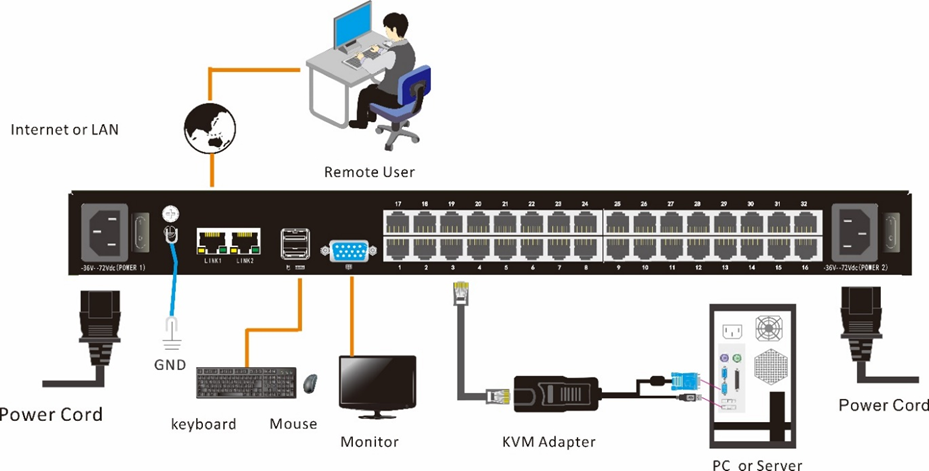
The Ascent’s KVM5100 rack mount KVM over IP Switch is a control unit that allows secure access to 8/16/32 computers from a single KVM console. The KVM5100 features IP-based connectivity that allows local and remote operators to monitor and access the computers. With TCP/IP communications protocol, the KVM5100 can be accessed from any computer on the LAN, WAN or Internet. It’s easy to set up the KVM5100, just plug the cable into the appropriate port, no software needed, no complicated installation procedures, and no compatibility issues. Connect computers with compact RJ-45 connectors and Cat 5e/6 cable, transmitting distance is up to 100m.
Hardware Features
· Rack-mountable in 1U system rack
Local Console
· Control up to 8 / 16 / 32 computers
· Support 1 local user and 1 remote user, port share mode allows local and remote users to gain access to a server simultaneously
· Easy-to-use switching by browser-based UI interface, hotkeys and pushbuttons
· Support servers with VGA/DVI/HDMI/DP port
· Multiplatform client support (Windows, Linux, Unix, Mac, Solaris (Sun), Redhat, Ubuntu
· Local Console, Browser, and AP GUIs offer a unified Multilanguage interface
· Support mouse synchronization mode-automatically synchronizes the local and remote mouse movements
· Video synchronization with local console - EDID information for local console display can be stored in the host module for video resolution optimization
· Keyboard and mouse emulation to ensure the normal booting
· Broadcast mode--operations simultaneously performed on all selected computers
· Auto scan feature for monitoring user-selected computer
· Hot pluggable--add or remove computers without having to power down the switch
Remote Console
· Adaptive 10 / 100 / 1000 Mbps network
· WEB browser-based Or KVM_Clients remote management BIOS-level access
· BIOS-level access
· Video quality and video tolerance can be adjusted to optimize data transfer speed, data transfer speed is up to 60 FPS
· Full screen or scalable video display
· Remote users and local users can control the same server/computer synchronously
· Support AES / DES / 3DES encryption
· Support audit function-allows the administrator to audit the device through the system log and operation log
· Exit Macros support
· Configurable user and group permissions for server access and control
· Support strong password
· Support firmware upgrade
Item | Description | ||||
Model | KVM5108I | KVM5116I | KVM5132I | ||
Computer Connections | 8 | 16 | 32 | ||
Port Selection | 8 | 16 | 32 | ||
Port Selection | Pushbutton, UI , Web ,Hotkey | ||||
Connector | Console | Keyboard | 2 x USB TYPE A | ||
Mouse | |||||
Monitor | 1-HDB-15 Female (blue) | ||||
KVM Port (RJ-45) | 8 | 16 | 32 | ||
Upgrading Switch | 1x RJ11 Female | ||||
Power | 3-Prong AC socket | ||||
Switch | Port Selection | 8 | 16 | 32 | |
Reset | 1 x touch-button | ||||
Upgrading Switch | 1 x toggle switch | ||||
Power | 1 x rocker switch | ||||
LCD Monitor | Online | 8 (green) | 16 (green) | 32 (green) | |
Selected | 8 (orange) | 16 (orange) | 32 (orange) | ||
Power | 1 (blue) | ||||
Cascade Display | 2*7 - Segment (orange) | ||||
Remote | Remote Control | KVM control ( ActiveX control ) | |||
Management Way | Web | ||||
Security | DES encryption | ||||
Resolution | 1920×1080@60Hz | ||||
Input Power Dual DC | -36V to 72V, 50 to 60Hz, <1.5A | ||||
OR | |||||
Input Power Dual AC | 100V to 240V, 50 to 60Hz, <1.5A | ||||
Power Consumption | 11W | 13W | 15W | ||
Environment Requirements | Operating Temperature | 0 to 50 °C | |||
Store Temperature | -20 to 60 °C | ||||
Humidity | 0 to 80% RH, Non-condensing | ||||
Physical Features | Material | Metal | |||
Weight | 3.8kg | 3.8kg | 4.1kg | ||
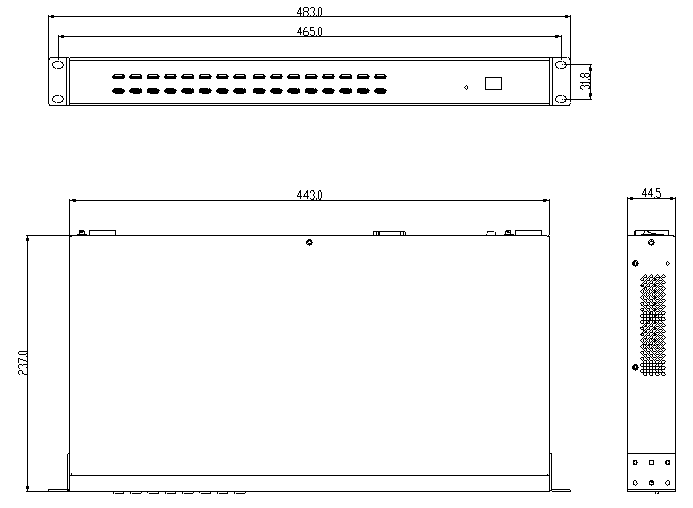
Dimension (W × D × H) | 433mm × 237mm × 44.5mm | ||||
AS5800 10GE Multiservice Switch
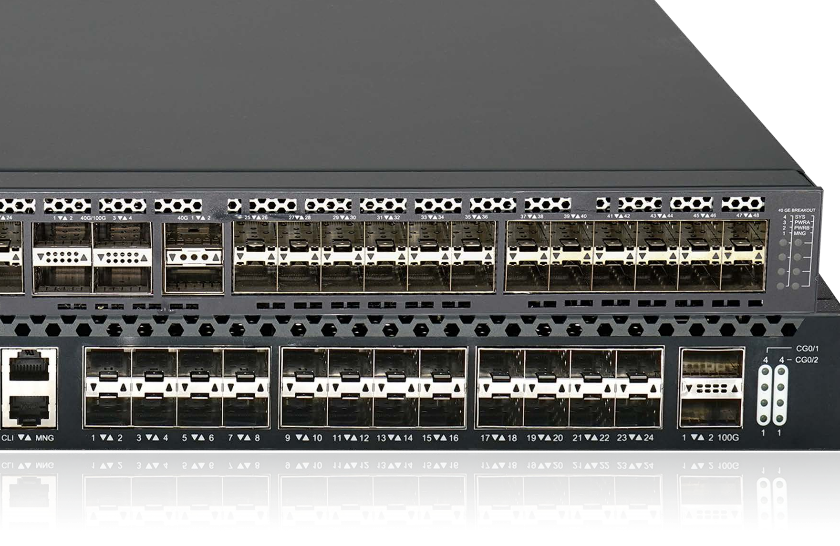
Multiservice 48 x 10GE SFP+ Switch
AE8000 P2P HE
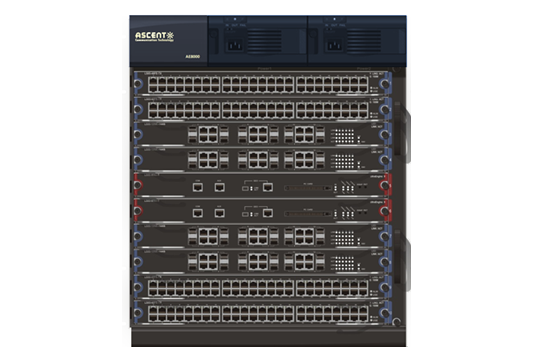
AE8000 P2P Core Switch Platform
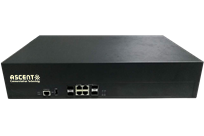
ASR2900 Multi-Service Router
ASR2900 Multiservice Switching Router
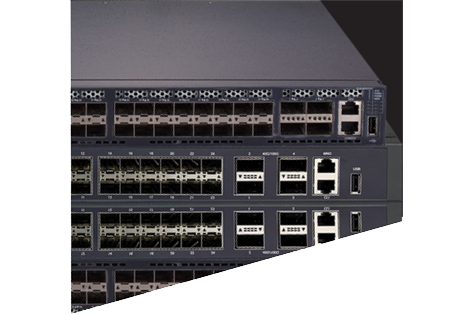
AS3400 L3 Switch
AS3400 High-Density 10G Routing Switch

AS2400F Series L2 Switch
Multiservice 10GE Switches
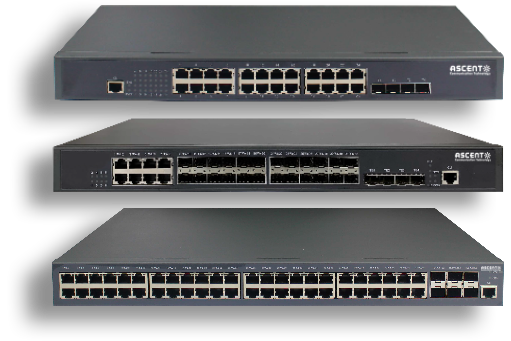
AS2400 Series L2 Switch
AS2400 Multiservice 10GE Ethernet Switch
AS2300P Series L2 Switch
AS2300P Series Multiservice Gigabit Ethernet Switch (w/ PoE)
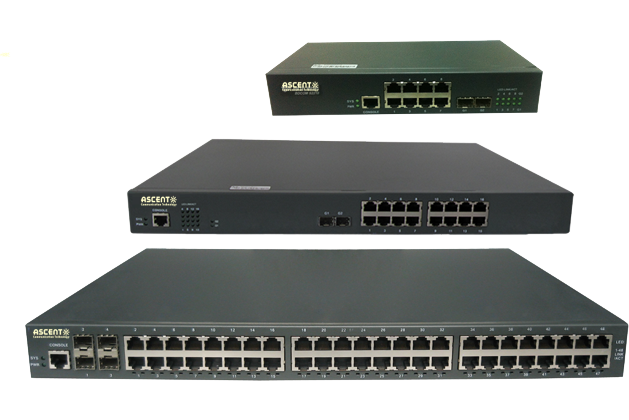
AS2300 Series L2 Switch
AS2300 Series Multiservice Gigabit Ethernet Switch (w/ PoE)
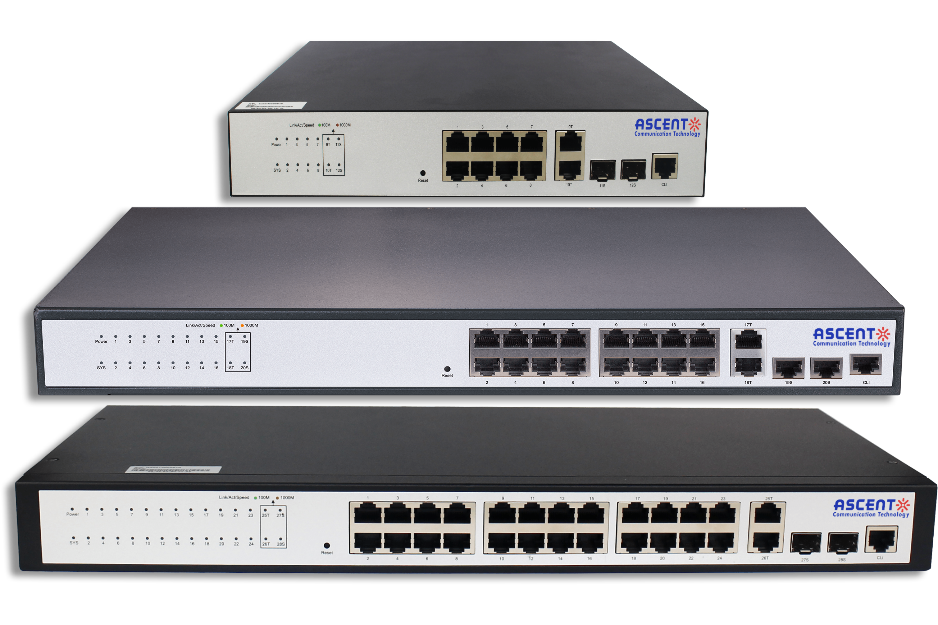
AS2200E Series L2 Switch
AS220
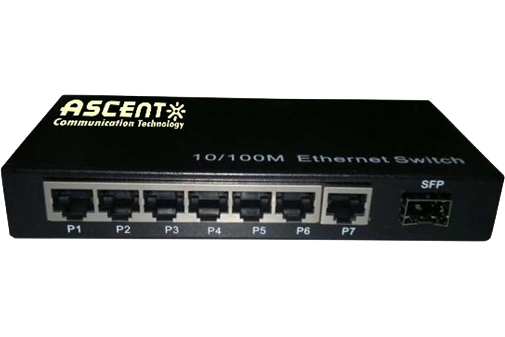
AS2108 Switch
AS2108 Switch
AS1200 PoE Switch
AS1200 Plug & Play PoE Switch

AS200D Fiber Switch
Gigabit SFP Fiber Switch with POE
AS200 Fiber Switch
AS200 Fiber Switch
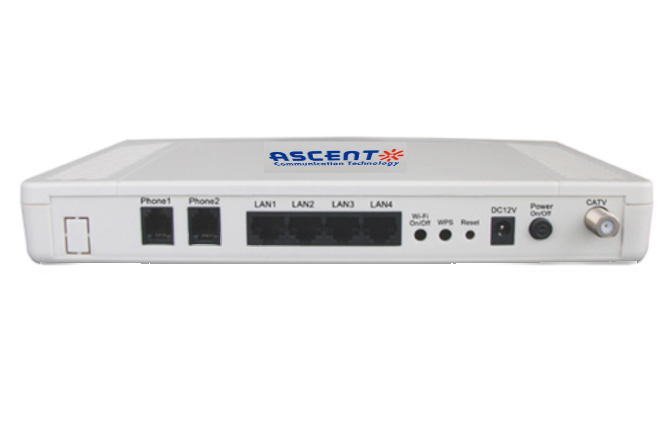
AE200S P2P ONU
AE200S P2P Customer Premise Equipment

AE200 P2P ONU
AE200 P2P Customer Premise Equipment
AIE2000-T L3 Switch
Layer-3 Managed 10G Industrial Switch
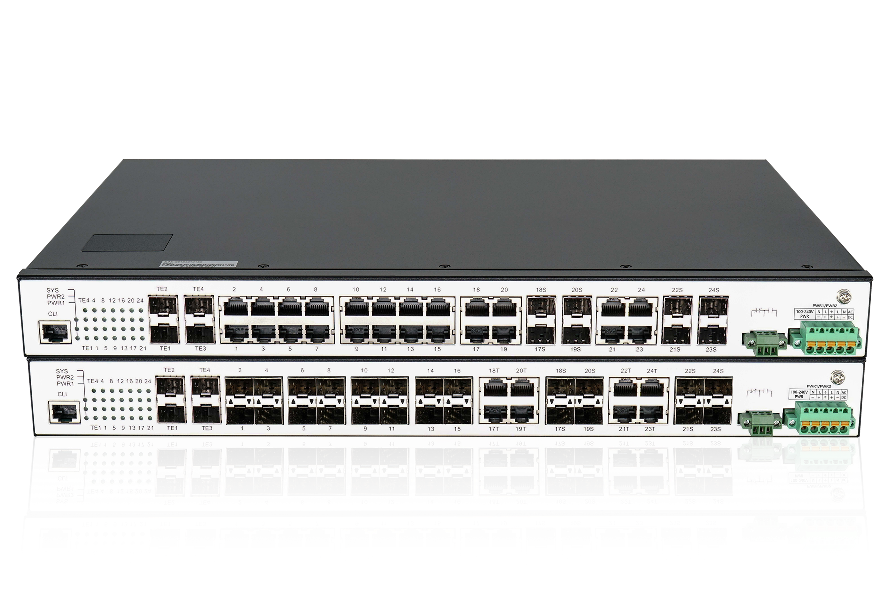
AIE2000 L3 Lite Switch
Layer-3 Rack-mount Industrial Switch

LCD KVM with IP Remote Access
Cat5 LCD KVM Local / Remote Access over IP
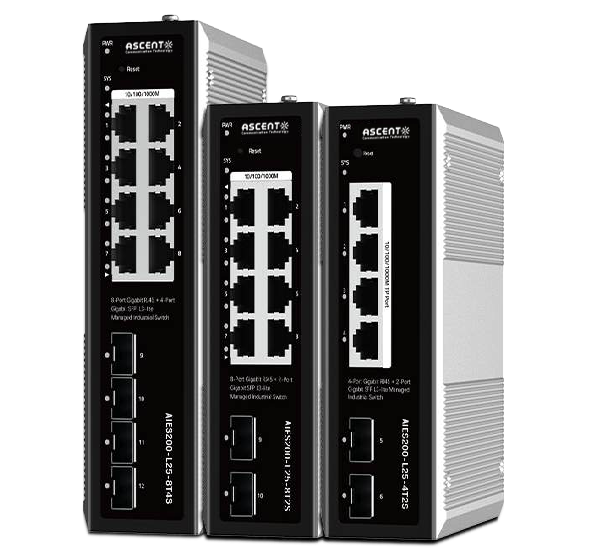
AIE200 L3 Lite Switch
Full Gigabit Managed L3-lite Industrial Switch
White Paper
Press Releases
Briefings 1
Briefings 2
Videos, etc.
QRG
Manual2
Get in touch with our experts
Feedback